



.png?lmsauth=63022a74d66c0b473d616b5d2f06f6bad612a02e)

You can buy this course part of the 'Learn Archicad!' program Subscription Plan.
CHECK THE SUBSCRIPTIONIn this certificate program you will learn in-demand Archicad skills from Graphisoft experts. Learn at your own pace, basic Archicad experience is required.
What you will learn
Prepare your 3D model for rendering.
Light your scenes.
Configure the rendering engine of your choice.
Use the best materials and change them if needed.
Table of contents
PhotoRendering Settings
Global Illumination
Lighting Types
Sampling and Shadow Casting
Physical Renderer
Surfaces
Light Source Effects
Effects
General Options
Recommended learning
Awards
Completing the course material, including the quizzes and assignments with a minimum of 60% achievement and filling out the satisfaction survey, will award you points towards achieving the Archicad BIM Author Certification and a Certification of Attendance in issues automatically in PDF format.
Software requirements
Videos in this course have been created using the International language version of Archicad which means that the work environment and some of the content may be different if you are using a different language version.
To get the best training experience we recommend you to use latest Archicad version!
Access time frame
Access to this program is available for as long as you have an active Learn Archicad! subscription, and your use of the program is subject to the applicable subscription terms.
Have questions?
Visit us at support.graphisoft.com
Here is the course outline:
WelcomeGet familiar with the course outline and the agenda. Download the exercise files and the handout documents to be able to follow the course along with the trainer. |
PhotoRendering SettingsIn this module, we will explore the detailed settings of the PhotoRendering palette and review the key factors that influence the quality of renders. Gain a deeper understanding of how to optimize settings for achieving high-quality visualizations. |
Global IlluminationIn this module, you’ll learn how Global Illumination works. Also, we’ll dive deep into the various Cinerender mechanisms available and explore the results obtained from different combinations of these mechanisms. |
Lighting TypesIn this module, we’ll explore the diverse range of lighting options in Archicad. You’ll learn how to effectively simulate various types of natural light, including the sun, physical sky, and HDRi sky. Additionally, we’ll discover different general light sources and gain insights into illuminating surfaces for optimal visual impact. |
Sampling and Shadow CastingIn this module, we’ll look at sampling settings that affect the quality of rendering and allow us to get rid of artifacts that occur when there is insufficient or too bright lighting. We then learn an important setting that controls shadow casting behind transparent objects and in reflections. |
Physical RendererThis module discusses the basic settings for Physical Rendering. You’ll learn how to apply the settings used in real cameras to create realistic and physically correct renders. Also, you’ll learn the various sampling modes available in physical rendering and understand the advantages they offer. |
Quiz - Part 1Please take the quiz in order to complete the course. You need to pass both quizzes to get the course certification. |
SurfacesSurface customization is a very large and interesting topic. In this module, we’ll talk about the key settings within each surface channel, unlocking the ability to create realistic surfaces that accurately simulate a wide range of real-world materials. |
Light Source EffectsIn this module, we'll look at all the lighting effects that can be created with General Light Sources. Discover how to create captivating visual elements such as visible light, caustics, lens flares, and more, breathing life into your visualizations. |
EffectsIn this module, we’ll step into realm of artistic effects. You’ll discover techniques to enhance the realism of visualizations or transform them into comic book-style illustrations or vintage photographs. Explore the application of basic color correction and learn how to achieve balanced lighting in your renderings. |
General OptionsIn this module, we’ll look under the hood of Cinerender. You’ll study the settings collected in the General Options section of the PhotoRendering Settings palette. You’ll understand why these settings have a significant impact on the quality and speed of rendering. |
Quiz - Part 2Please take the quiz in order to complete the course. You need to pass both quizzes to get the course certification. |
ConclusionThank you for completing this training! Please fill out the anonymous satisfaction survey so we can continue improving our training materials! |
Completion
The following certificates are awarded when the course is completed:
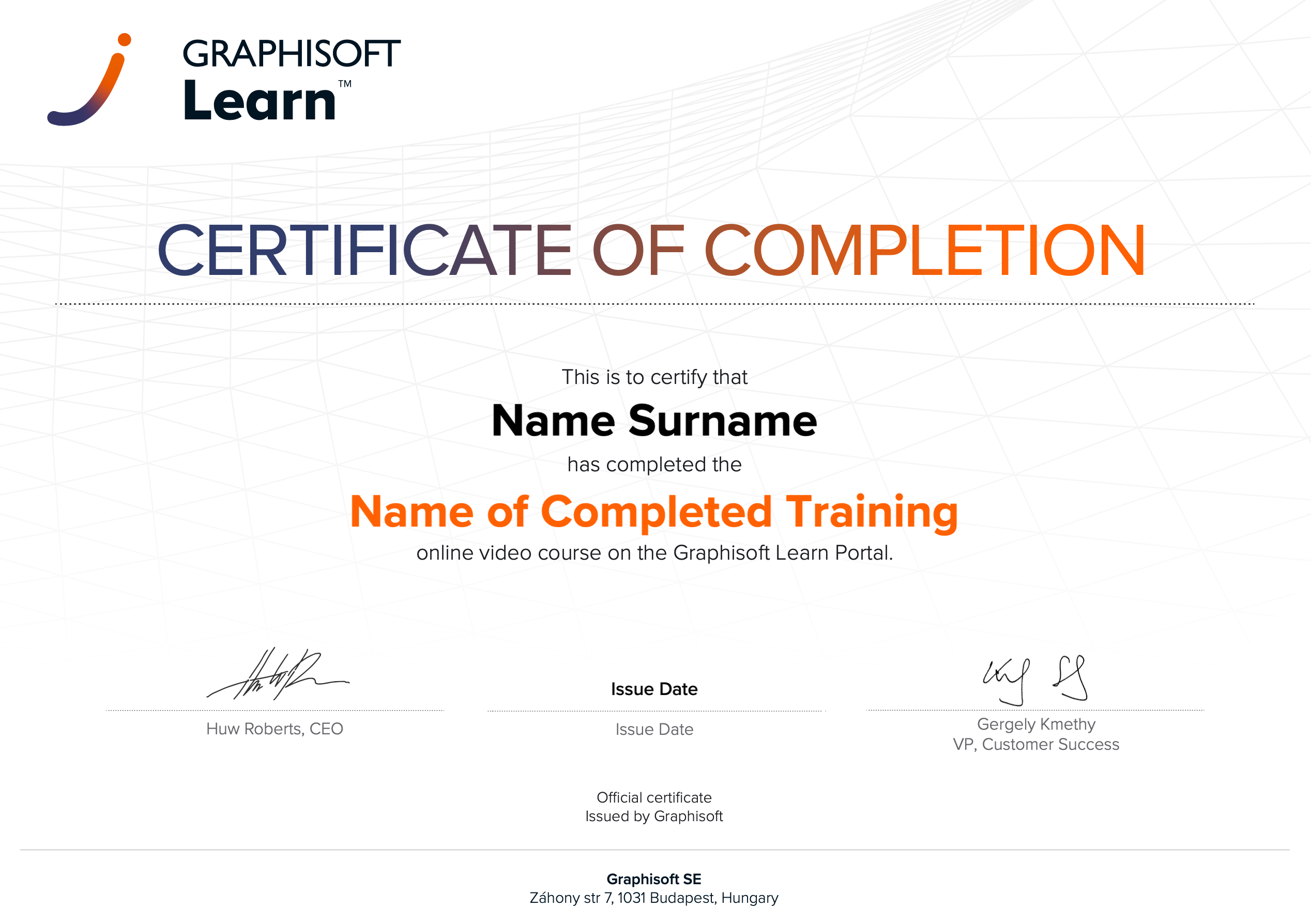 |
INT_Certificate of Completion - Online Video Course |