



.png?lmsauth=63022a74d66c0b473d616b5d2f06f6bad612a02e)

You can buy this course part of the 'Learn Archicad!' program Subscription Plan.
CHECK THE SUBSCRIPTIONIn this certificate program you will learn in-demand Archicad skills from Graphisoft experts. Learn at your own pace, basic Archicad experience is required.
What you will learn
Formally understand BIM as an information-rich 3D process, including Open BIM, IFC and relevant standards like ISO 19650.
Use BIM Manuals and BIM Execution Plans to follow goals, responsibilities, and level of information need across project stages.
Set up and run a full BIM-enabled Archicad workflow through Pre-Design, Schematic Design, Design Development and Construction Documentation, including phase changes an archiving.
Collaborate with structural and MEP teams via Open BIM and manage BIMcloud, file organization, and BIMx publishing for multi-team projects.
Produce coordinated drawings, details, schedules and documentation sets that comply with project and office standards.
Table of contents
Understanding BIM
• BIM as model, information and process
• Open BIM, IFC and key standards
Prerequisites of Starting the Project
• BIM Manual, office template and Quality Assurance
• BIM Execution Plan
• Project Standards
Pre-Design Stage
• Client requirements, surveyor data
• Site analysis, early massing and visualization
Schematic Design Stage
• System definition, ID management, core modeling
• Hotlinks and coordination with MEP
• Interoperability
Design Development Stage
• Model coordination and issue checks
• Refined documentation
Construction Documentation Stage
• Detailing, annotation and changes
• Interactive schedules and final deliverables
• Closing, archiving and handover files
Recommended learning
Awards
Completing the course material, including the quizzes and assignments with a minimum of 60% achievement and filling out the satisfaction survey, will award you points towards achieving the Archicad BIM Author Certification and a Certification of Attendance in issues automatically in PDF format.
Software requirements
Videos in this course have been created using the International language version of Archicad which means that the work environment and some of the content may be different if you are using a different language version.
To get the best training experience we recommend you to use latest Archicad version!
Access time frame
Access to this program is available for as long as you have an active Learn Archicad! subsciprion, and your use of the program is subject to the applicable subscription terms.
Have questions?
Visit us at support.graphisoft.com
Here is the course outline:
WelcomeGet familiar with the course outline and the agenda. Download the exercise files and the handout documents to be able to follow the course along with the trainer. |
Understanding BIMLearn BIM fundamentals, including definitions, standards, manual, BEP (BIM Execution Plan), templates, and workflow in this module. Gain vital knowledge for implementing BIM workflows in Archicad, empowering you to excel in your projects. |
Prerequisites of Starting the ProjectIn this module, you will explore project pre-kickoff and kickoff meetings. See what typically happens before the project kicks off from acquiring essential resources to planning and appling BIM standards. Learn how to effectively plan and set up your Archicad projects for success! |
Pre-Design StageThis module covers a wide range of topics from importing the surveyor's data through site analysis, programming with Zones, mass modeling all the way to BIMx presentation. By the end of this module, you will have a solid understanding of these fundamental concepts and practical techniques in Archicad to execute them. |
Quiz 1Finishing the quiz referring to the previously seen content before proceeding to the subsequent modules is advisable. |
Schematic Design StageIn this module, you will learn how modeling elements is approached in a BIM-enabled workflow from building core to the stairs. You will understand the recommended workflow for setting up repeating parts of the project using hotlink modules and become familiar with ID Manager for bulk metadata manipulation. By the end of the module, you will also learn how to approach documentation sets and prepare them for publishing. |
Quiz 2Finishing the quiz referring to the previously seen content before proceeding to the subsequent modules is advisable. |
Design Development StageIn this module, you will explore advanced techniques for model coordination, for automated quality checking, and we will continue the main model's development. You will also learn how to troubleshoot intersection issues and manage your project documentation effectively. Additionally, you will gain insights into creating ceiling plans, enabling you to enhance your Archicad projects with professional specialized documentation outputs. |
Quiz 3Finishing the quiz referring to the previously seen content before proceeding to the subsequent modules is advisable. |
Construction Documentation StageThis module delves deeper into essential skills for creating annotations in an automated way, creating details, managing project changes, and creating interactive schedules for enhanced project coordination and documentation. |
Quiz 4Finishing the quiz referring to the previously seen content before proceeding to the subsequent modules is advisable. |
ConclusionThank you for completing this training! Please fill out the anonymous satisfaction survey so we can continue improving our training materials! |
Completion
The following certificates are awarded when the course is completed:
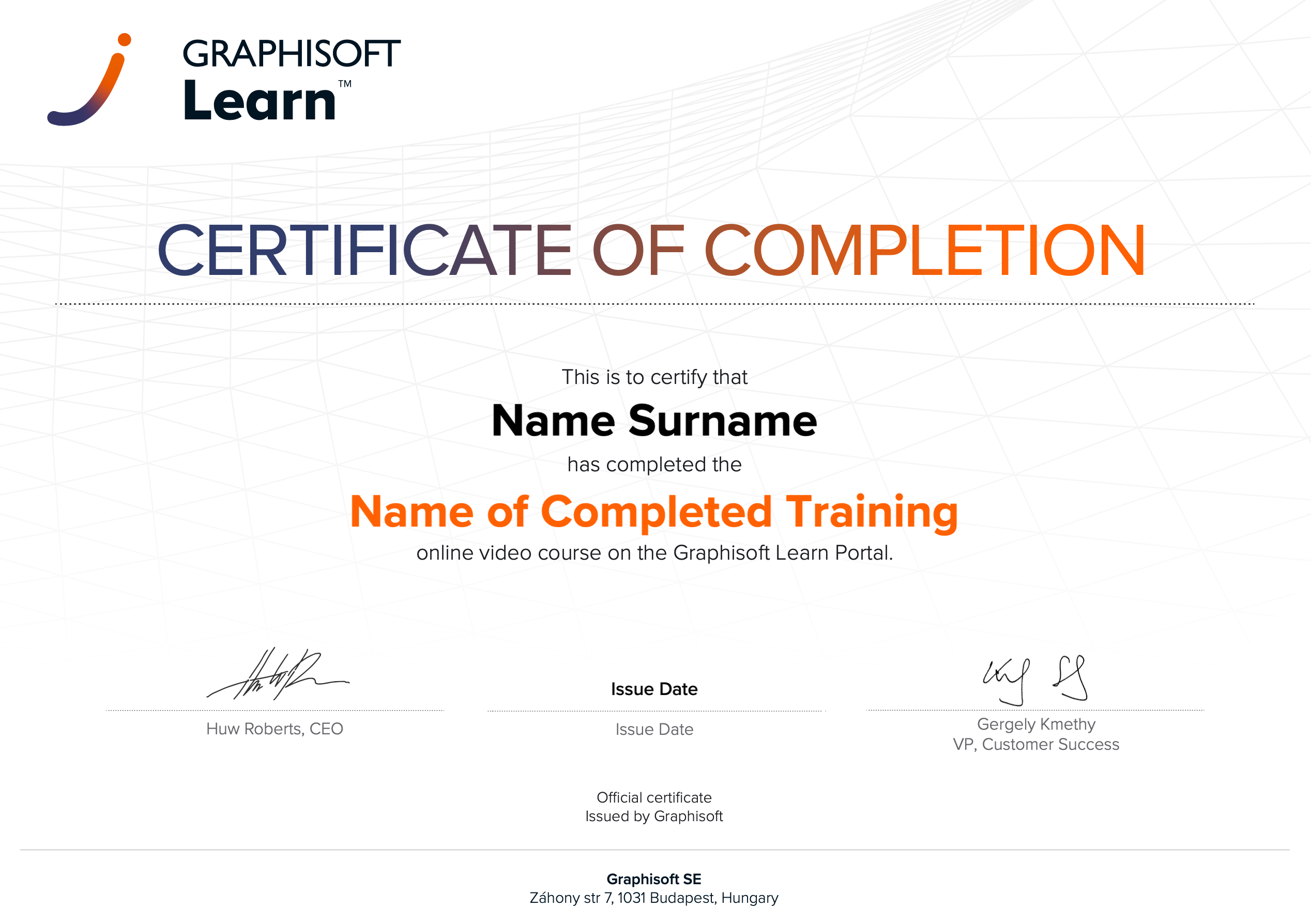 |
INT_Certificate of Completion - Online Video Course |