



.png?lmsauth=63022a74d66c0b473d616b5d2f06f6bad612a02e)

You can buy this course part of the 'Learn Archicad!' program Subscription Plan.
CHECK THE SUBSCRIPTIONIn this certificate program you will learn in-demand Archicad skills from Graphisoft experts. Learn at your own pace, basic Archicad experience is required.
What you will learn
The workflow and logic of the navigator.
Confidently use the Model Filters such as Graphic Overrides and Model View Options.
Save Views with the right settings for the right purposes.
Effectively use the Layout Book to create professional documentation drawings.
Set up Publisher Sets to optimize and automate your documentation delivery process.
Table of contents
Basic Concepts of the Navigator Logic
Creating the Floor Plan
Annotations and Viewpoints
Publishing Process Workflow
Different Techniques: Site Plan Creation
Specialized Documents
Revision Workflow
Recommended Learning
Awards
Completing the course material, including the quizzes and assignments with a minimum of 60% achievement and filling out the satisfaction survey, will award you points towards achieving the Archicad BIM Author Certification and a Certification of Attendance in issues automatically in PDF format.
Program details
Software requirements
Videos in this course have been created using the International language version of Archicad, which means that the work environment and some of the content may be different if you are using a different language version.
Download Archicad hereAccess time frame
Access to this program is available for as long as you have an active Learn Archicad! subscription, and your use of the program is subject to the applicable subscription terms.
Have questions?
Visit us at support.graphisoft.com
Here is the course outline:
WelcomeGet familiar with the course outline and the agenda. Download the exercise files and the handout documents to be able to follow the course along with the trainer. |
Basic ConceptsIn this module, you will delve into the fundamentals of Navigator logic, simple and complex element attributes, and model filters. You will get familiar with all the available model filters in Archicad and their basic purposes. |
Creating the Floor PlanThis module focuses on essential project settings that will enhance your project documentation. You will learn how to effectively set up basic project settings, manage Stories, Scales, create and manage Layers and Layer Combinations. Additionally, you will explore Graphic Overrides and learn how to save Views with the right settings for various purposes. |
Annotation and ViewpointsIn this module you will learn advanced skills for creating and managing annotations like dimensions, zone and other labels in your Archicad projects. You will also explore how to effectively create sections and annotate them, allowing you to effectively communicate design intent and document your project with precision. |
PublishingThis module provides an in-depth understanding of the publishing process in Archicad. You will learn about creating and managing Master Layouts, setting up Layouts and Drawings, and optimizing the publishing workflow using Publisher Sets. This module will equip you with the essential skills to effectively create and manage professional documentation drawings in Archicad, ensuring efficient and accurate delivery of your project information. |
Quiz 1Finishing the quiz referring to the previously seen content before proceeding to the subsequent modules is advisable. |
Additional DocumentsThis module covers the process of creating site plans using different techniques, including importing and tracing site data, as well as creating and managing site-related elements. You will also learn about detail creation methods, including using 2D drawing tools and model-based detailing techniques in Archicad. |
Specialized DocumentsThis module covers creating different types of documents, such as wall types plan and window schedules, to accurately represent your project in a comprehensive and detailed manner. You will also explore special document types and learn how to create 3D Documents in Archicad to effectively communicate your design intent. |
Revision WorkflowThis module covers the revision workflow in Archicad including creating revision sets, tracking changes, and creating transmittal sets to facilitate communication and coordination among team members. You will gain practical skills in managing revisions and effectively tracking changes throughout the project lifecycle. |
Quiz 2Finishing the quiz referring to the previously seen content before proceeding to the subsequent modules is advisable. |
ConclusionThank you for completing this training! Please fill out the anonymous satisfaction survey so we can continue improving our training materials! |
Completion
The following certificates are awarded when the course is completed:
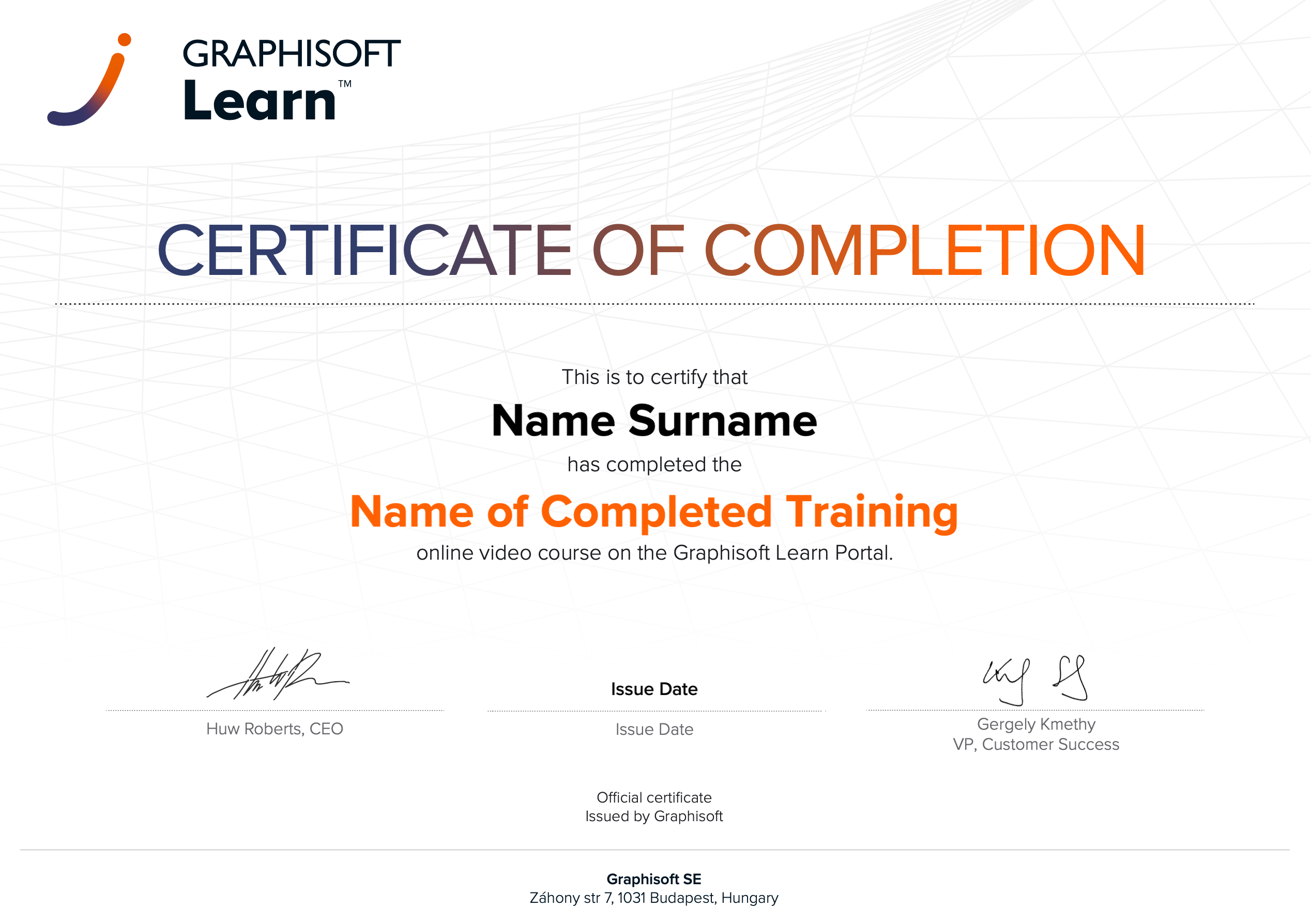 |
INT_Certificate of Completion - Online Video Course |