



.png?lmsauth=63022a74d66c0b473d616b5d2f06f6bad612a02e)

You can buy this course part of the 'Learn Archicad!' program Subscription Plan.
CHECK THE SUBSCRIPTIONIn this certificate program you will learn in-demand Archicad skills from Graphisoft experts. Learn at your own pace, basic Archicad experience is required.
What you will learn
Usage of advanced modeling tools and functions confidently.
Setting customization of most Archicad modeling tools to your needs.
Utilization of advanced techniques to place and modify model elements.
Modeling complex building structures.
Table of contents
Walls
Slabs
Building Materials and Priority Based Connections
Composites
Columns and beams
Complex profiles
Complex roofs
Shells
Trimming
Windows, doors and skylights
Openings
Zones
Objects
Curtain walls
Stairs
Railings
Meshes
Solid element operations
Morphs
Recommended learning
Awards
Completing the course material, including the quizzes and assignments with a minimum score of 60% achievement and filling out the satisfaction survey, will award you points towards achieving the Archicad BIM Author Certification and a Certificate of Completion in issues automatically in PDF format.
Software requirements
Videos in this course have been created using the International language version of Archicad which means that the work environment and some of the content may be different if you are using a different language version.
To get the best training experience we recommend you use latest Archicad version!
Access time frame
Access to this program is available for as long as you have an active Learn Archicad! subscription, and your use of the program is subject to the applicable subscription terms.
Have questions?
contact us at support.graphisoft.com
Here is the course outline:
WelcomeGet familiar with the course outline and the agenda. Download the exercise files and the handout documents to be able to follow the course along with the trainer. |
WallsThis module covers the creation of Slanted and Trapezoid Walls, 2D representations, Wall Ends, and Classifications. It aims to provide learners with a thorough understanding of the tool's capabilities so that they can create favorites and customize Walls. |
SlabsThis module covers techniques for creating and modifying slabs and their 2D representation and Model View Options. By the end of the module, users will have the skills to customize and represent slabs according to their needs. |
Building Materials and Priority Based ConnectionsIn the Building Materials module, users learn advanced techniques concerning this topic, such as Priority Based Connections, Layer Intersection Groups, and Junction Orders. These settings are essential for creating precise and detailed building models in Archicad. |
CompositesThis module covers creating and modifying composite structures. It guides users on how to customize the properties of each component within a Composite, such as order, thickness, material type, and fill patterns. By the end of this module, users will be familiar with how to create and modify composites to fit their specific project requirements and adequately represent them in both the 3D model and 2D documentation. |
Columns and BeamsThe Columns and Beams module covers creating and customizing these elements, including Multi-segmented structures. This module teaches users how to adjust their properties and dimensions and accurately represent them in both 3D and 2D views. |
Complex ProfilesThis module teaches users how to create and customize custom cross-sectional profiles for building elements using the Profile Manager tool. The module covers creating Complex Profiles, using standard steel profiles, and accurate 2D representation. |
Quiz 1Finishing the quiz referring to the previously seen content before proceeding to the subsequent modules is advisable. |
Complex RoofsThe Roof module covers the creation and customization of roofs, including Single Plane, Complex, and Mansard Roofs. It also introduces important concepts and terminologies and covers techniques for making holes in Roofs and obtaining different results. By the end of the module, users will have the skills to create and customize a variety of Roof types in Archicad. |
ShellsThis module elaborates on creating and customizing shell elements by experimenting with the different methods available in Archicad. By the end of this module, users will be able to create and modify Shell elements and create favorites. |
TrimmingThis module covers Trimming options. Here we investigate the connections that can be established between the elements in Archicad and learn the capabilities of the Trimming Bodies. |
Windows, Doors, and SkylightsThis module covers inserting and customizing Windows, Doors, and Skylights in Archicad, aiming to make learners understand the typical structure and patterns in the settings of these tools. |
OpeningsIn this module, you will learn about the Opening tool's capabilities when creating holes and recesses/niches penetrating diverse model elements. You will learn how to adjust their geometry parameters and additional properties. |
ZonesThis module covers the creation and management of zones within a building model in 2D and 3D. Users will learn to define and customize zones according to specific design features. By the end of the module, users will have the skills to create and manage zones accurately in Archicad. |
ObjectsThis module overviews how to find, use and place Objects in Archicad. The module also covers the importation of 3D Objects from external sources and using the Object Library to manage and share Objects within a project. |
Quiz 02Finishing the quiz referring to the previously seen content before proceeding to the subsequent modules is advisable. |
Curtain wallsThis module explores the Curtain Wall Settings dialog box, the Schem edition, and Edit Mode. Therefore, it covers the customization of several curtain wall elements individually and as a system. By the end of the module, users will have the skills to create and modify Curtain Walls for diverse uses in Archicad. |
StairsThis module provides information on how to create Stairs with customizable settings. The module also covers the differences between baseline and boundary line modeling and the use of this hierarchical tool for design complex stairs. Additionally, users will learn how to modify stairs in Edit Mode to refine and adjust their designs quickly. |
RailingsIn this module, learn how to use the Railing Tool to create customizable railings with various settings from a pre-defined favorite for optimizing designing workflows with this tool. |
MeshesThis module covers the creation and edition of meshes for topographies and custom geometries in Archicad. Users will learn to use the Mesh Tool to create customizable meshes with various settings, including 2D representation and other properties. |
Solid Element OperationsThe module covers creating and systematically adapting elements interaction in Archicad using Solid Element Operations. It mentions the different results that can be achieved using the various Solid Element Operations options. By the end of the module, users will have the skills to use Solid Element Operations to create and modify complex geometries. |
MorphsIn this module, we explore the capabilities of the Morph tool in Archicad, using it to create building masses and furniture. Users will learn the main features and limitations of the Morph Tool, and by the end of the module, they will have the skills to discern when and how to use this tool to create and modify complex shapes. |
Quiz 3Finishing the quiz referring to the previously seen content before proceeding to the subsequent modules is advisable. |
Complex Modeling Tools - optional self-paced coursesEnroll in these self-paced online courses if you want to learn more about complex modeling tools like Stairs, Railings, Curtain Walls or multi-segmented Beams and Columns. |
ConclusionThank you for completing this training! Please fill out the anonymous satisfaction survey so we can continue improving our training materials! |
Completion
The following certificates are awarded when the course is completed:
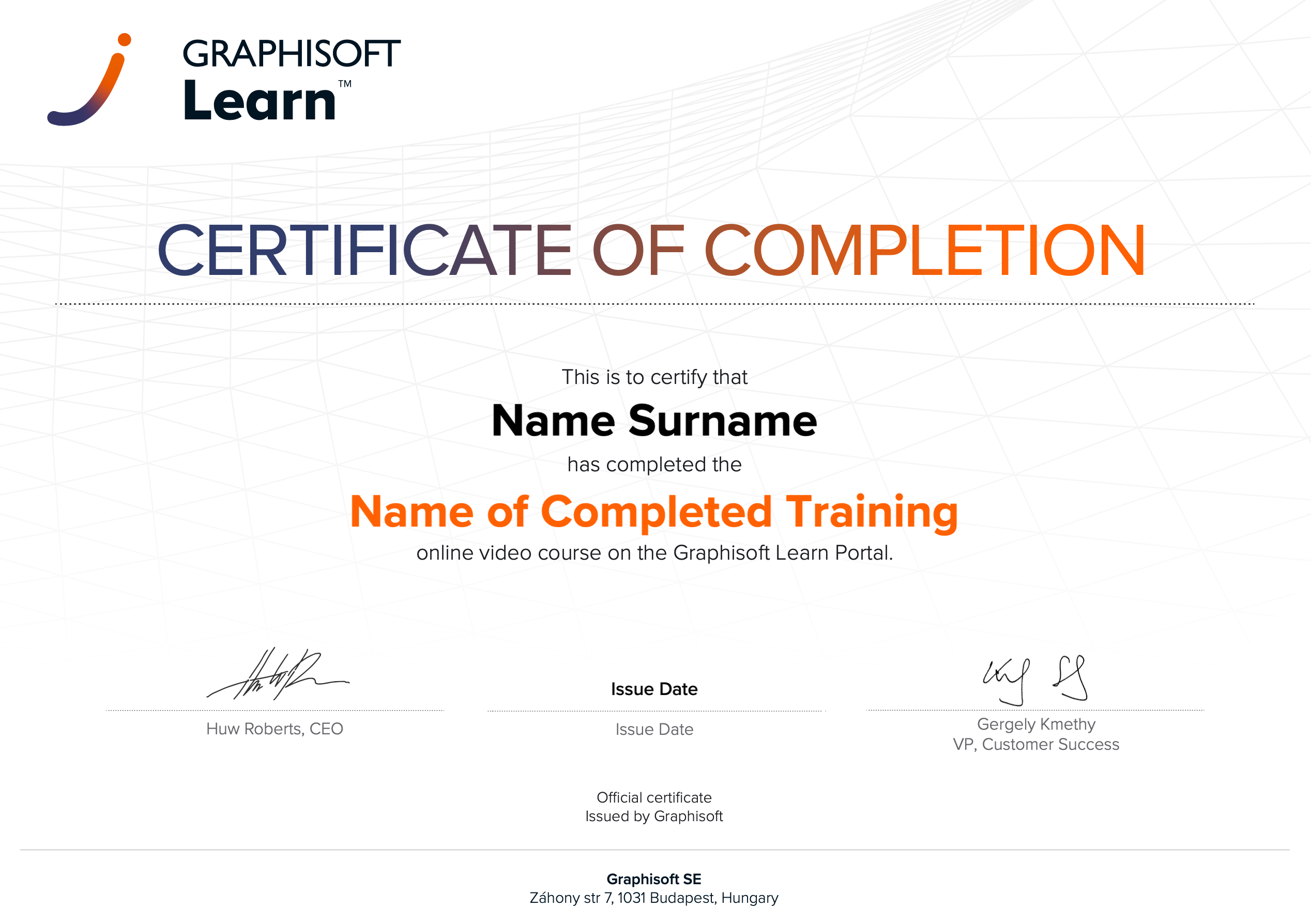 |
INT_Certificate of Completion - Online Video Course |