



.png?lmsauth=63022a74d66c0b473d616b5d2f06f6bad612a02e)

MEP Designer 29
Course
.png?lmsauth=aa28fe890a288d667bc7607446c36e9194129570) Graphisoft Learn
Graphisoft Learn
In this certificate program you will learn in-demand Archicad skills from Graphisoft experts. Learn at your own pace, basic Archicad experience is required.
What you will learn
Gain a solid understanding of BIM concepts and effectively utilize Archicad's basic functions.
Learn to create detailed 3D models, including custom objects, and manage complex design elements within Archicad.
Produce precise documentation, schedules, and detailed drawings essential for project execution.
Understand collaborative workflows, enabling seamless teamwork and coordination in a BIM environment.
Apply interior design principles within Archicad to create comprehensive and cohesive project designs.
Table of contents
Column B
MEP Modeling
• MEP Work Environment
• MEP Systems
• MEP Route Specifications
• MEP Library and Tools
• Duct, Pipework and Electrical Modeling
• Custom MEP Elements
• MEP Model Adjustments
• Collision Detection
• MEP System Browser
• Duct Size and Hydronics Optimizer
MEP Documentation
• Information Management
• 2D Views and Documentation
• Isometric 3D Documents
• Scheduling
MEP Collaboration
• Hotlink
• IFC Export
• IFC Import
• BIMx Hypermodels
Software requirements
Videos in this course have been created using the International language version of Archicad which means that the work environment and some of the content may be different if you are using a different language version.
To get the best training experience we recommend you to use latest Archicad version!
Access time frame
Access to this program is available for as long as you have an active 'Learn Archicad!' subscription, and your use of the program is subject to the applicable subscription terms.
Have questions?
Visit us at support.graphisoft.com
Here is the course outline:
WelcomeIn this module you will see what is included in this course and how you will be able to follow it. |
Exercise FilesThis module will guide you through the exercise files utilized throughout this course. You will get familiar with different file versions as we proceed and also how to find and download them. |
MEP Modeling 1 - Initial SetupThis module will guide you through the fundamental principles of MEP modeling. You'll learn how to navigate and configure the MEP work environment, set up and manage different MEP systems, define Route Specifications for mechanical, electrical, and plumbing paths, and utilize a variety of library tools to streamline the modeling process. |
MEP Modeling 2 - ModelingThis module focuses on the core aspects of MEP modeling, including duct, pipe, and electrical system design. You'll learn how to create and manage ductwork, piping layouts, and electrical networks while ensuring accuracy and efficiency. Additionally, the module covers the creation of custom MEP elements, allowing for flexible and tailored solutions to meet specific project needs. |
MEP Modeling 3 - Optimizing MEP ModelsThis module covers essential tools for refining and optimizing MEP models, including MEP Model adjustment for accurate system placement, Collision Detection to identify and resolve clashes, and the MEP System Browser for efficient system management. Additionally, the Duct Size Optimizer ensures that ductwork is sized for maximum efficiency and performance, streamlining the design process and enhancing overall system coordination. |
Quiz 1Please complete this quiz about MEP Modeling to complete the course. |
MEP DocumentationThis module guides you through the steps to follow after completing a 3D model. It emphasizes the model's role in acquiring valuable and accurate information swiftly. The content covers everything from managing properties to exploring different documentation and model output techniques. |
MEP CollaborationThis module explores advanced collaboration and presentation tools in Archicad, including Hotlink for referencing external project files, IFC Export-Import for seamless data exchange between different BIM platforms, and BIMx Hyper Models for interactive, 3D presentations. You'll learn how to integrate and manage external elements efficiently while ensuring accurate data flow and enhancing project visualization for stakeholders. |
Quiz 2Please complete this quiz about MEP Documentation and Collaboration to complete the course. |
ConclusionCheck our summary with all the content you've learnt and get your Badge after going through each module and quizzes. |
Completion
The following certificates are awarded when the course is completed:
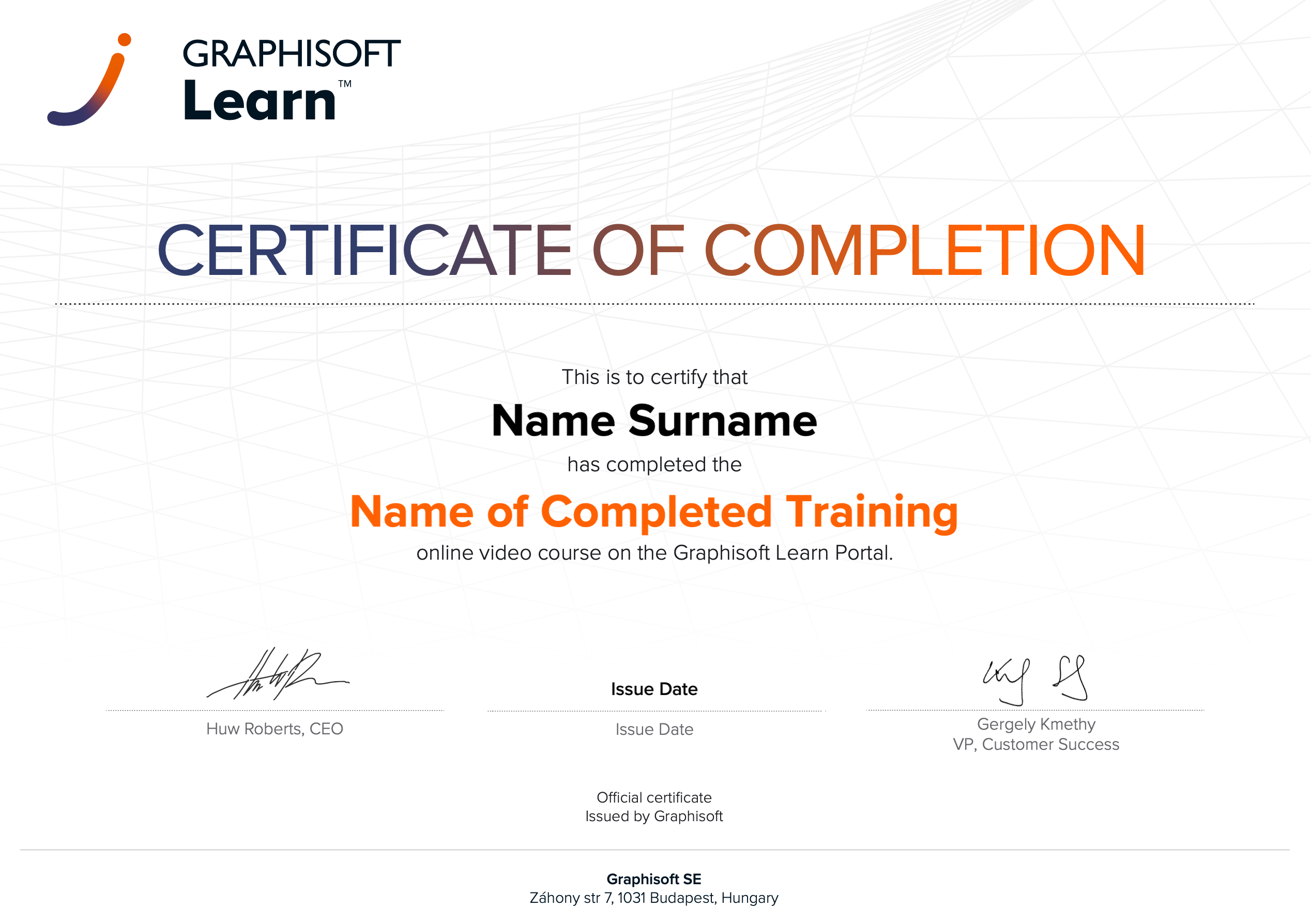 |
INT_Certificate of Completion - Online Video Course |